Built for macOSRuns entirely on your Mac
You missed it.
Hear it again.
Huh? holds the last 30 seconds, or up to two minutes, of whatever you were listening to in memory. Press ⌥⌘H and a tape deck drops out of the menu bar and plays back what you just missed.
$5 once. Every feature. macOS 15 or later, and 7.9 MB on disk. Download the app, paste your key, and you are done.
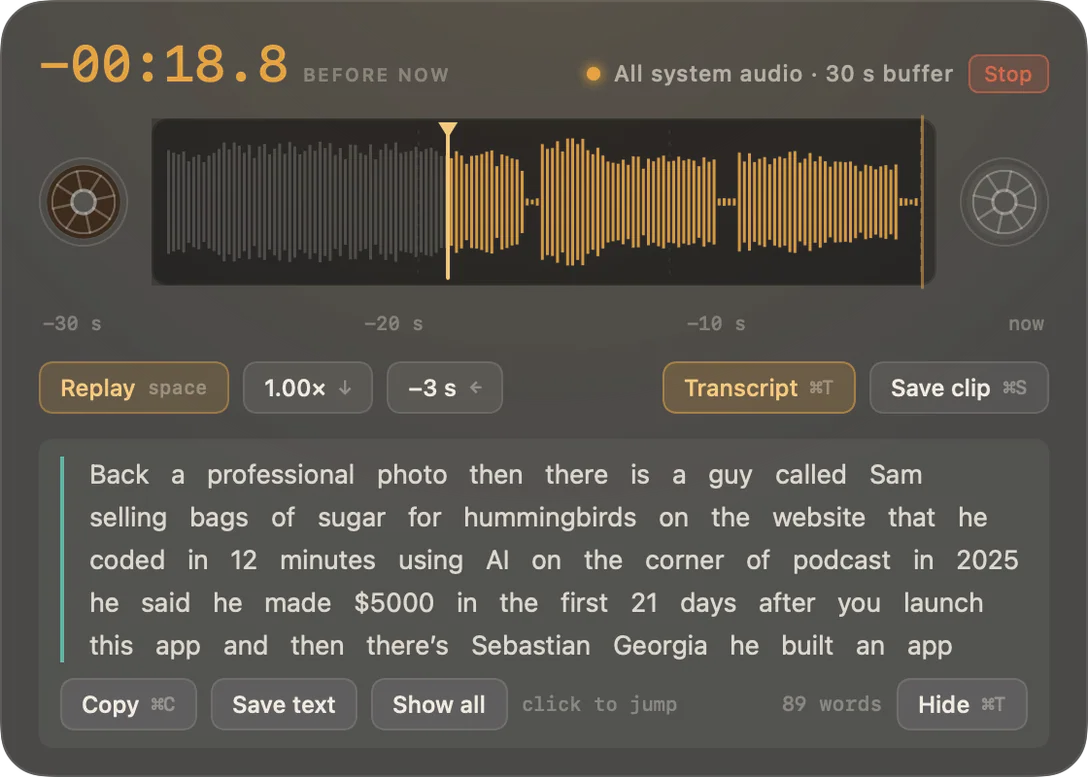
The moment
“Wait, what did they say?”
A lecturer says a date
and you were still writing the last one down.
A host reads out a URL
once, quickly, and moves on.
Someone says a name
you needed, in a call you can’t rewind.
A tutorial says the flag
between two things you were reading.
Live audio cannot be rewound, and a video scrubber overshoots four times before it lands. Huh? is one keystroke instead.
How it works
Three keys, and a tape you can pull.
Press once
The tape appears over whatever you were doing and replays your chosen window. Your app never loses keyboard focus, so the call keeps going.
Press again
Each further press steps five seconds deeper. The real sequence is “huh?, then still huh?”, so that is what the key does.
Slow it down
0.75× and 0.5× without the chipmunk effect. This is how you actually catch a name or a number.
Or read it
Transcribed on your Mac, never uploaded. Click any word and the tape jumps to the moment it was said.
Eight looks
A theme changes the instrument, not the paint.
Not a recolour. Each one draws the buffer differently and changes what sits either side of the tape. All eight, as they actually render:
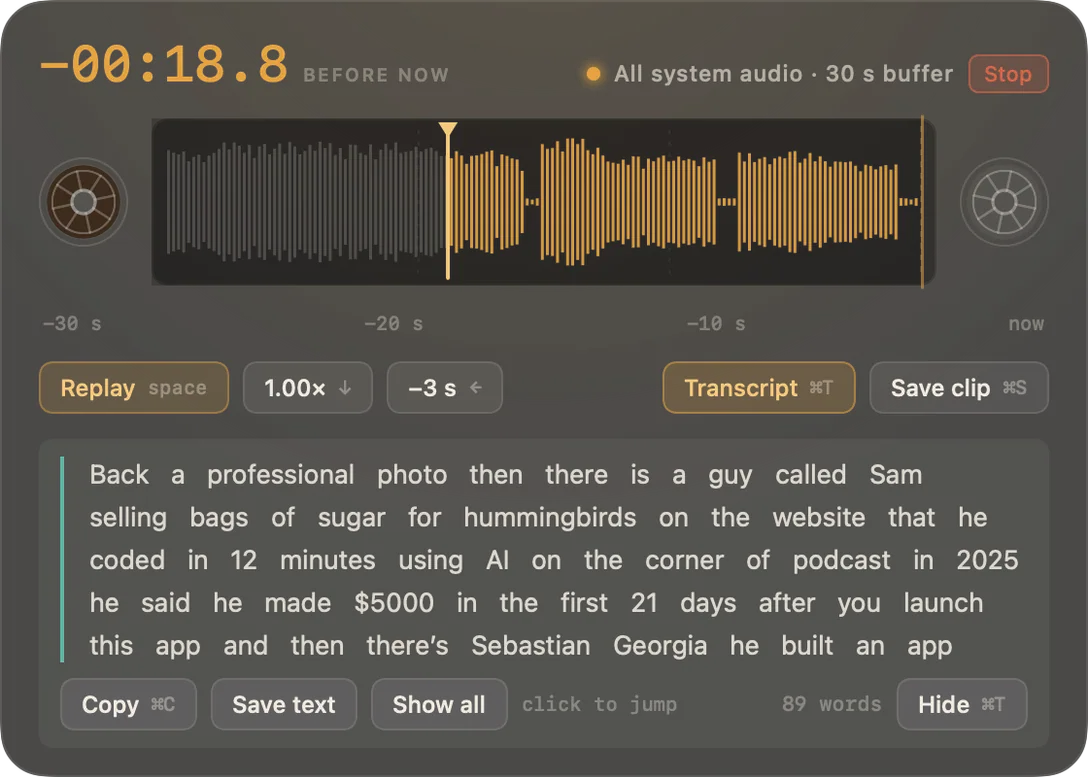
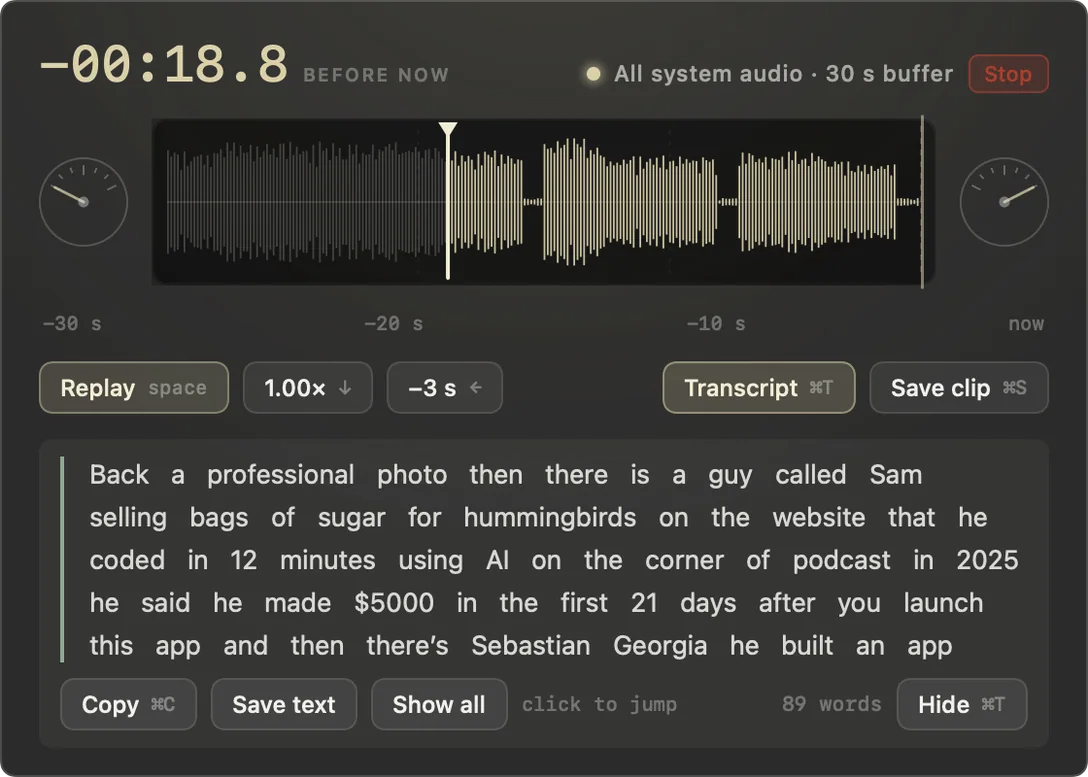
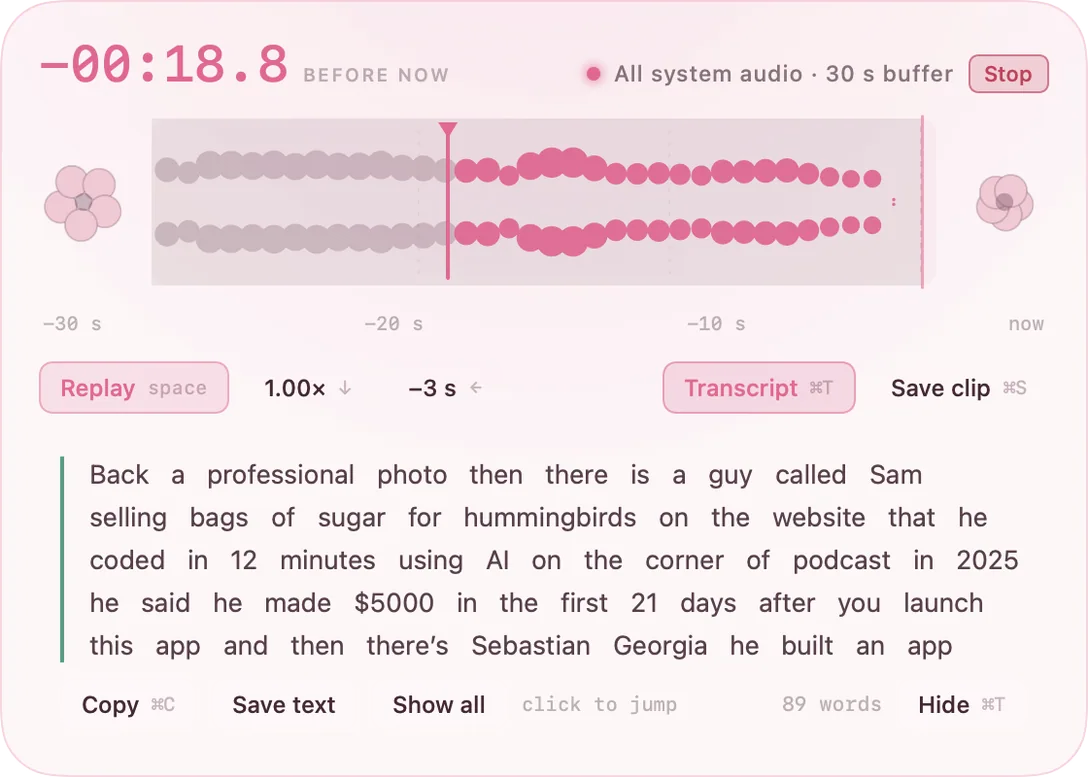
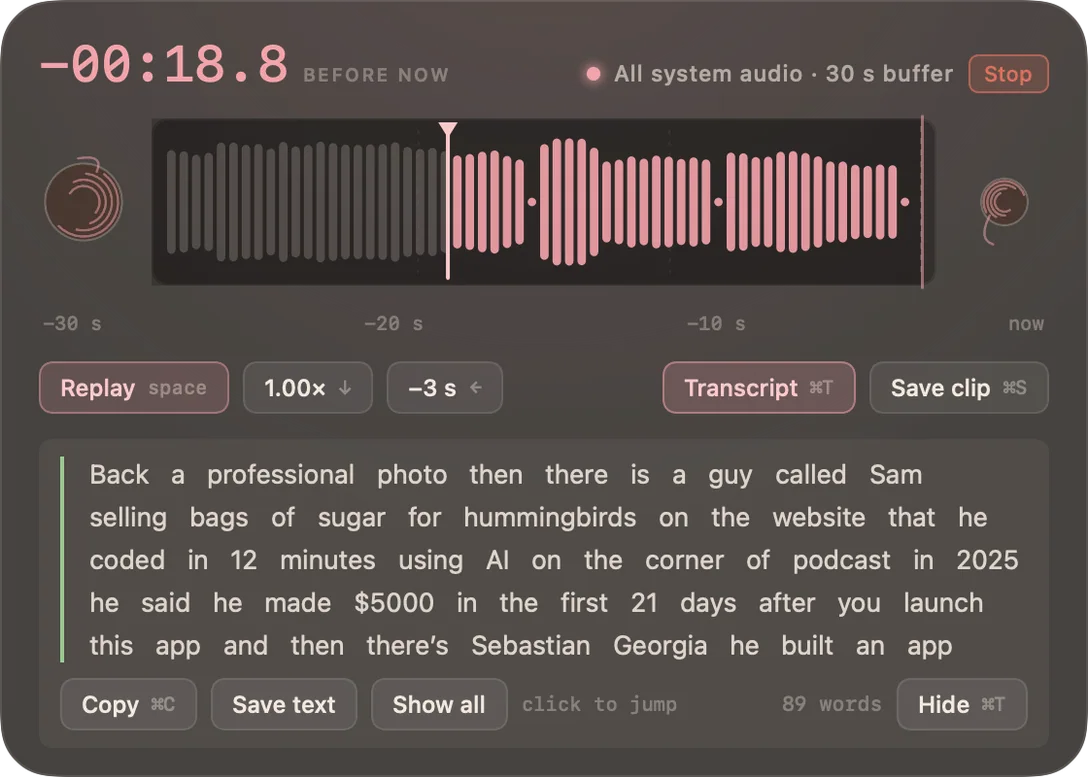
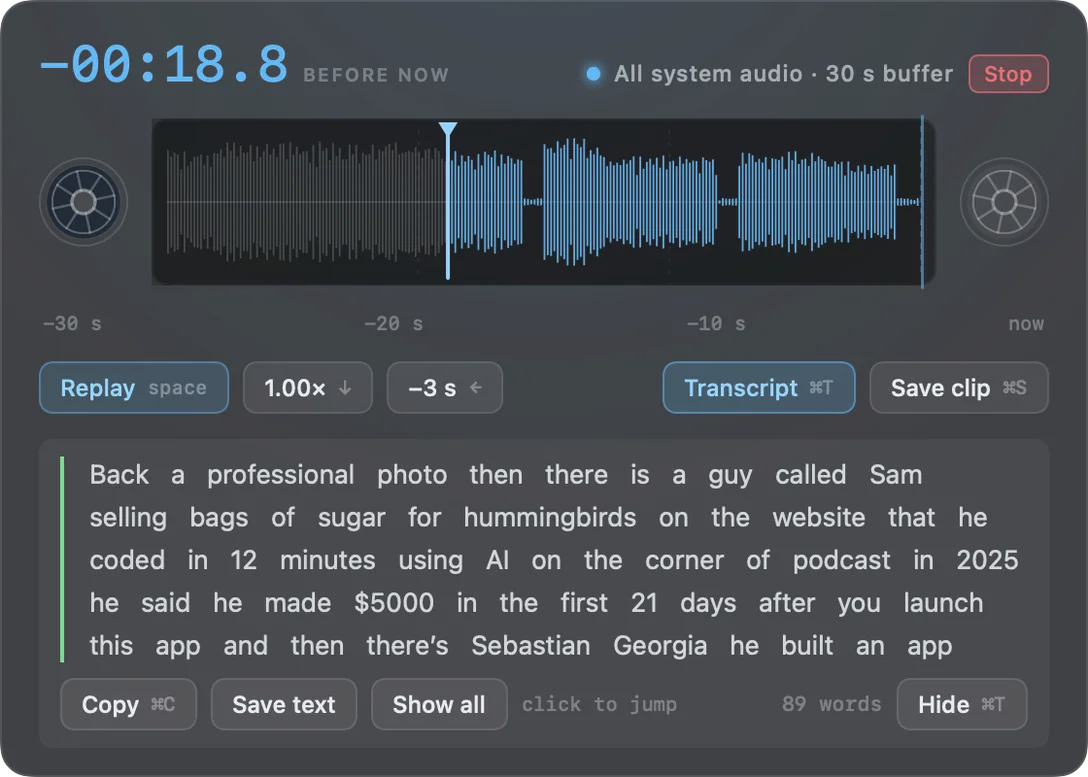
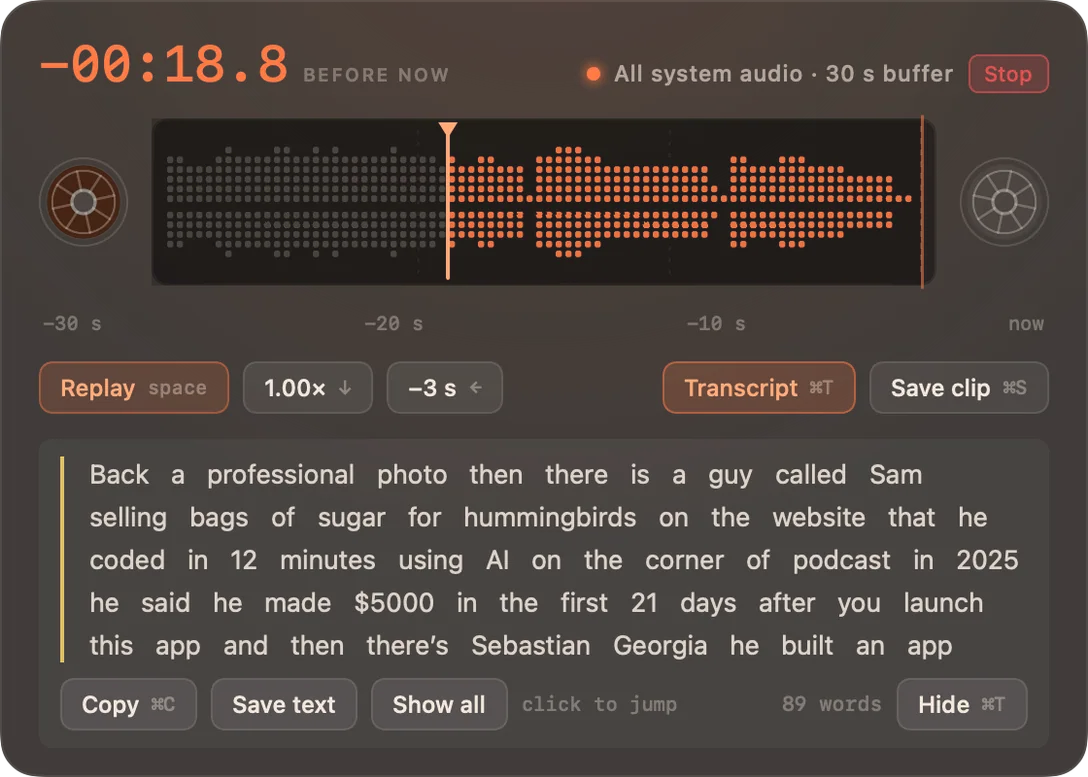
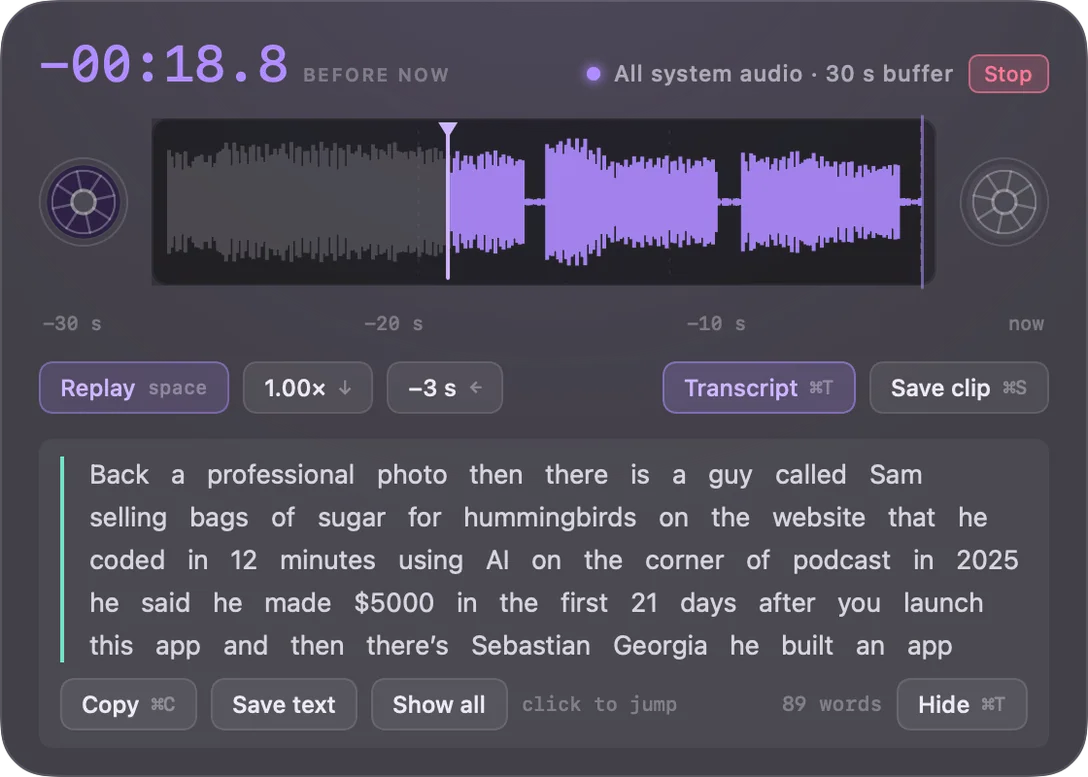
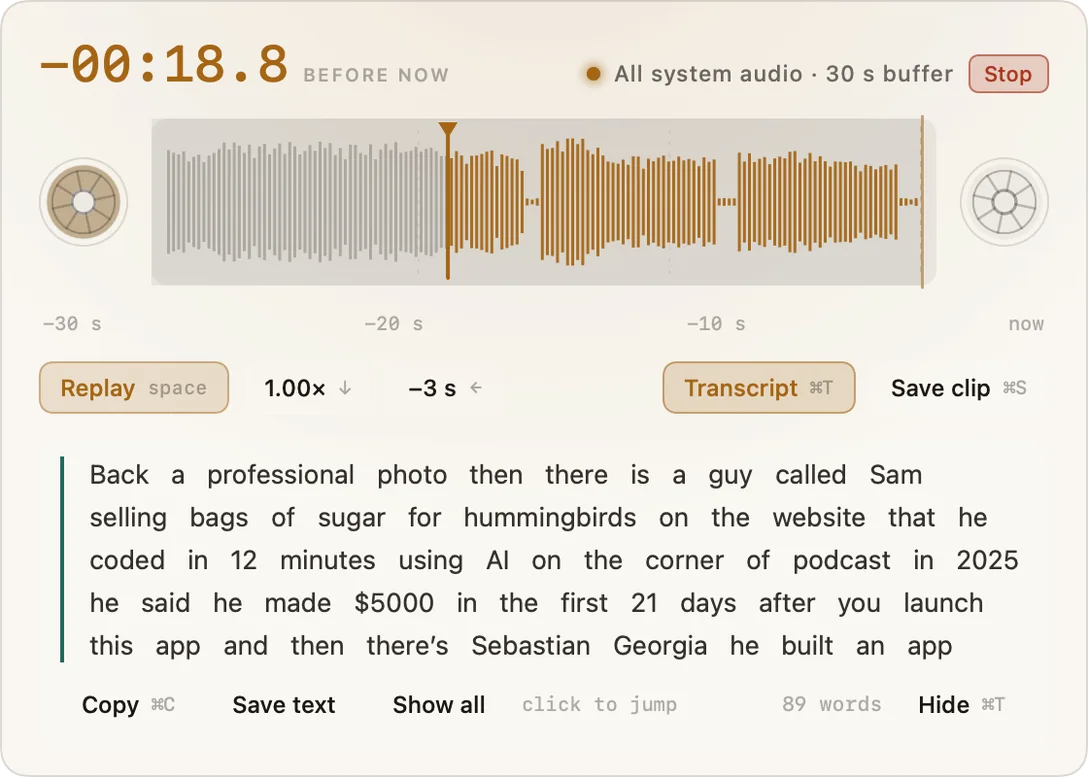
The original. Oxide brown lit by a VU lamp.
- Waveform
- Symmetric sticks
- Beside the tape
- Eight-spoke reels
- Corner
- 24pt
Why it’s safe to leave on
It forgets by construction, not by promise.
These are not undertakings to behave well. Each one is a property of how the app is built, which is why you can check them yourself.
The buffer overwrites itself
A fixed ring in memory replaces its own oldest sample continuously. Older audio is gone because the memory was reused, not because a cleanup task ran and might have failed.
One door to disk
⌘S is the only code path that writes audio anywhere. Not temp folders, not caches, not crash logs.
No network. At all.
No analytics, no cloud transcription, no licence check-in. Your key is verified offline against a public key inside the app. Point Little Snitch at it.
Listening always looks like listening
The menu-bar reel changes shape whenever audio is flowing, and macOS shows its own indicator for the microphone. There is no hidden mode and no setting that creates one.
Before you buy
Three things it won’t do.
Protected audio comes through silent
Apple TV+, Netflix and some course platforms encrypt their audio. Huh? shows a red reel and says so rather than pretending.
Names and URLs are the hard case
Apple’s on-device speech model handles ordinary sentences well and mangles proper nouns. Clicking a word to hear it covers the gap, but the transcript is a helper, not a court record.
It is not a meeting recorder
No session library, no summaries, no subscription. If you want an hour of audio kept, other apps do that well. This one forgets on purpose.
Price
Buy it once. Keep it.
- Every feature, no tiers and no add-ons
- One licence covers your Macs
- All 1.x updates included
- Works offline forever, with no account and no server
- Refunded if it is not for you, just email me
A licence key arrives by email and is verified on your Mac, offline. There is nothing to log in to and nothing to cancel.
Questions
Frequently asked
Does it record everything I do?
No. It ships listening to nothing, and only keeps a rolling window of the source you pick. That window overwrites itself continuously, and nothing reaches disk unless you press ⌘S.
What permission does it need?
One: system audio recording, for tapping an app. Microphone only if you choose to listen to a room, and speech recognition only if you use the transcript. All three are asked for during setup, so nothing surprises you later.
Is my audio sent anywhere?
No, never. Transcription runs on your Mac, either with Apple’s on-device model or with a Whisper model you download once. Downloading that model is the only connection the app can make, it only happens when you press the button, and nothing is uploaded either way. You can verify all of it with Little Snitch.
Can I record a meeting with it?
That is not what it is for. You can save a clip of the last 30 seconds with ⌘S, but there is no session recording. Recording other people needs their knowledge, and in some places their consent.
Does it work in full screen?
Yes, that is the main case. macOS hides the menu bar in full screen, so the shortcut is the real interface and the tape floats over full-screen apps.
How far back can it go?
Pick 30 seconds, 60 seconds, or 2 minutes in Settings. Two minutes costs 22 MB of memory and is never written to disk. Longer windows are wired up but not shipped, because past a couple of minutes you want a recorder, not a rewind.
Which Macs?
Apple silicon and Intel, macOS 15 or later. Every Mac gets the buffer, the replay, the clips and Apple’s on-device transcripts. The optional Whisper engine is Apple silicon only, because it runs on the Neural Engine and Intel Macs do not have one. The app is 7.9 MB; a Whisper model, if you want one, is a separate download from 75 MB upwards.
What if I don’t like it?
Email varshithvh@gmail.com and I will refund it, no argument and no form to fill in. There is no trial to sign up for: you buy it, and if it is not what you wanted you get your money back.